.png)

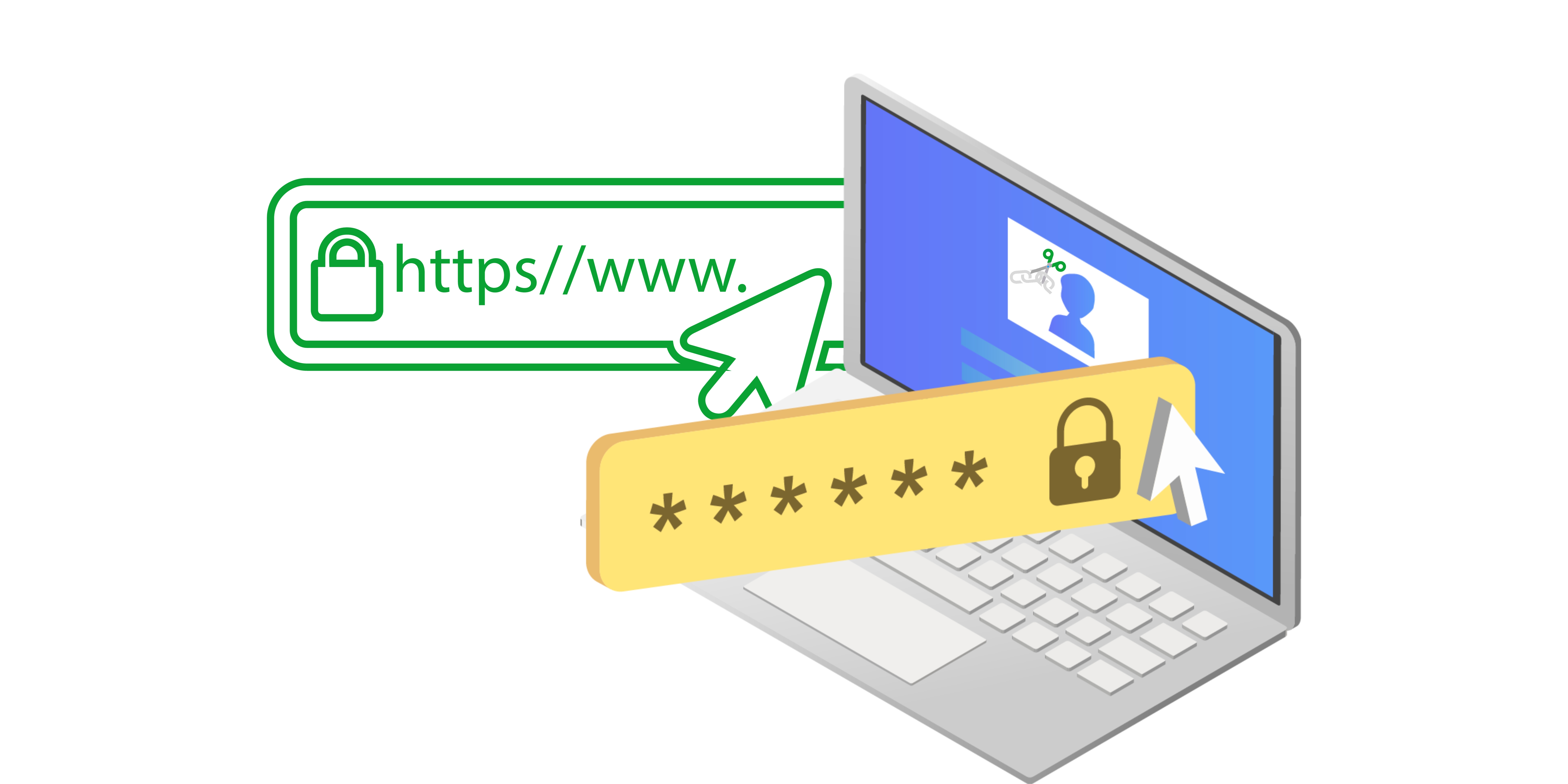
It’s very common to create links and share them with other people. Not only is it easy to share your data, but it also gives you plenty of creativity. But there will be times when you don’t want everyone to enter the link even if they have access to it. That’s why you want to password-protect your link and we are here to assist.
Why do you need to protect a link using passwords?
Passwords can be very helpful if you want to limit access to your website or specific content on it. That way, you can only share the password with people you trust. On top of that, password protection will also ensure that no random visitor with maleficent intention have access to your website and/or content.
It also becomes a lot easier to figure out who has access to your website and what sections of the site are not accessible to everyone. In some cases, you will need to create specific pages that only certain people can view or use. A password protected link can help you achieve that, and it just makes the entire process much more secure and convenient.
How can you password protect your link?
What you will notice is that you can’t add a password to a link in the traditional way. Links are meant to be shared, so you will have to use an URL shortening service like Publicc. Create a free account on the website, and then you will need to add your link to shorten it. Upon shortening the link, you will have the option to add a password for the link, if you want. you can follow this article in our Help Center for assistance with creating password protected short shareable links.
Adding a password is not mandatory, but it will help save a lot of time and effort. It’s a great idea to add a password because you always want to know who has access to important parts of the website. Plus, limiting access can give you more control, and that’s certainly something to keep in mind.
Conclusion
These tips and guidelines will make it easy to password-protect certain links that you want to limit access to. Maybe you just want to share info with specific people, or the info is not meant to be public. Password protection can be a great way to ensure you keep certain pages accessible only to specific people. It’s a very good idea to use such a service, and the results can be exceptional!